
Finding the right guitar scale apps can feel like the secret key to unlocking the entire fretboard. For many players, the guitar neck is a mysterious place, a wooden puzzle box of notes you know are there but can’t seem to find consistently.
You’ve probably seen those complex charts in a book or a static PDF. They show you a “box” pattern, and you’re told to memorize it. But the music never clicks. You feel trapped in that one little area, unable to connect the dots and move freely like the guitar heroes you admire.
This is where technology changes the game completely. The right app doesn’t just show you a pattern; it brings it to life. It transforms a boring, academic exercise into an interactive, musical experience.
The Simple Guitar Practice System That Eliminates Guesswork
So You Can Stop Stalling… and Start Sounding Better Every Time You Pick Up the Guitar
👉 Get 52 Practice Prompts Now!
The Fretboard Maze: Why Scales Feel So Hard
Let’s be honest. Does this sound familiar? You decide today is the day you finally learn your scales. You download a chart, find the C Major scale, and diligently practice the first position “box” over and over.
It feels productive for a while. However, when you try to use it over a song, it sounds clunky and robotic. Moving outside that single box feels impossible, like stepping off a cliff. The patterns you memorized don’t seem to connect to actual music.
As a result, frustration sets in. You question if you’re “musical” enough. The guitar goes back in its case, and another day passes without progress. This cycle is incredibly common, and it’s not your fault. The traditional way of learning scales is fundamentally broken for many guitarists because it removes the most important ingredient: musical context. This is why so many players need better tools to succeed.
The App Revolution: From Static to Interactive
Imagine, for a moment, a different approach. Instead of a flat, lifeless diagram, you have a dynamic map of the fretboard on your phone or tablet. You tap a root note, select a scale, and instantly see every single correct note light up across all six strings and 22 frets.
Want to hear it? You just tap a button. Better yet, you can play a backing track in the right key directly from the app. Suddenly, you’re not just practicing a pattern; you are jamming. You are making music.
This is the promise of modern guitar scale apps. They bridge the gap between theory and application. They provide the interactivity and audio feedback that static books could never offer, creating “aha!” moments that stick. You start to see the fretboard not as a series of disconnected boxes, but as one unified, musical landscape. For more on this, check out some expert lessons on sites like Guitar World.
What Makes the Best Guitar Scale Apps Stand Out?
Not all apps are created equal. While many are just digital versions of those old, static charts, the truly great guitar scale apps offer features that actively accelerate your learning. When you’re searching for a tool to add to your arsenal, look for these game-changing elements.
First, a comprehensive scale library is essential. Your app should have everything from the fundamentals (major, minor pentatonic, blues) to more advanced sounds (melodic minor, harmonic minor, and all the modes). This ensures the app grows with you as your skills and musical tastes evolve.
Second, look for a truly interactive fretboard. You should be able to:
- Tap any note to see its name and hear its sound.
- Highlight scale patterns in different positions.
- Isolate specific intervals (like the root, third, and fifth).
- Switch between different tunings effortlessly.
Furthermore, built-in backing tracks are a non-negotiable feature. Practicing scales to a metronome is good, but practicing them over a musical progression is what builds your ear and improvisational skills. The best apps provide a variety of tracks in different styles, tempos, and keys. This transforms tedious practice into an inspiring jam session.
Finally, seek out gamified training modes. For example, some apps have “find the note” games or exercises that challenge you to play a scale up and down in time. These features make practice fun and help you internalize the fretboard layout much faster than simple memorization ever could.
Types of Scale Tools to Supercharge Your Playing
The world of guitar learning tools has exploded, giving you incredible options. Instead of just picking one, think about creating a complete practice ecosystem. This is a core component of building the best practice routine for real results.
Here are the main types of tools you’ll encounter:
1. The Fretboard Visualizer
This is the most common type of app. Its primary job is to show you scale and arpeggio patterns all over the neck. The best ones are highly customizable, allowing you to select root notes, scale types, and even highlight specific notes within the pattern. They are your visual dictionary for the fretboard. These are powerful tools for breaking out of single-box playing.
2. The Interactive Trainer
These apps take visualization a step further by adding interactive exercises. They test your knowledge and build muscle memory through drills and games. For example, an app might show you a note on the fretboard and ask you to identify it, or it might play a note and ask you to find it. This active recall is scientifically proven to be more effective for long-term memory. Some all-in-one learning systems, like Fender’s own Fender Play platform, incorporate these ideas into a broader curriculum.
3. The All-In-One Practice Suite
These are the Swiss Army knives for guitar players. They bundle a scale dictionary with a metronome, tuner, chord library, and backing tracks. While sometimes not as in-depth on any single feature, they offer tremendous value and convenience. Having all your essential tools in one place streamlines your practice and keeps you focused. These comprehensive guitar scale apps are perfect for players who want a single, go-to resource.
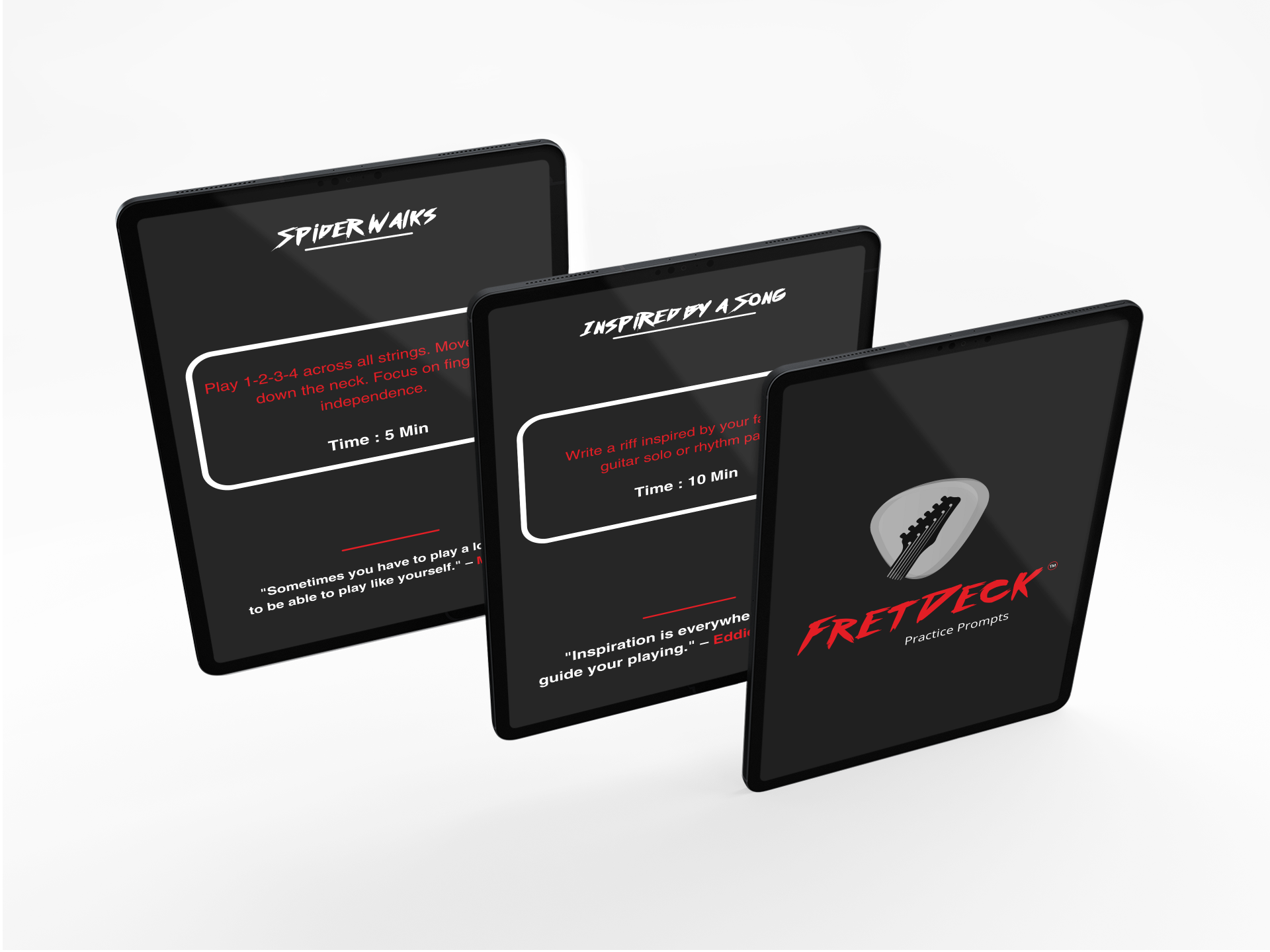
Moreover, don’t forget about screen-free tools. While apps are fantastic, sometimes you want to unplug and just play. Physical tools like FretDeck offer a card-based system with practice prompts that can randomize what scale, key, or technique you work on. It’s a great way to complement your digital tools and keep your routine fresh.
The Simple Guitar Practice System That Eliminates Guesswork
So You Can Stop Stalling… and Start Sounding Better Every Time You Pick Up the Guitar
👉 Get 52 Practice Prompts Now!
5 Steps to Integrate Guitar Scale Apps Into Your Practice
Having a great app is one thing; using it effectively is another. To avoid it becoming just another icon you never tap, you need a plan. Follow these steps to make your scale app a central part of your growth as a guitarist.
1. Start with One Scale. Don’t try to learn 30 scales at once. Pick one, like the A minor pentatonic, and dedicate a week to it. Use the app to see the pattern in all five positions up and down the neck.
2. Focus on One Position at a Time. Master the first “box” or position until you can play it smoothly. Then, use the app to see how it connects to the second position. Spend a day just practicing the transition between those two shapes.
3. Jam with Backing Tracks Immediately. This is the most crucial step. As soon as you are remotely comfortable with a pattern, pull up a backing track in the app and start improvising. Don’t worry about sounding perfect; just try to make the notes fit the music. This is how you truly learn guitar scales in a musical way.
4. Connect the Patterns. Use the app’s “full fretboard” view to see the scale as one giant, connected path, not five separate boxes. Practice playing “horizontally” up a single string using only the notes from the scale. This will shatter the box-to-box thinking.
5. Move from Memorization to Music. Use the scale not as a series of notes to run up and down, but as a palette of colors to create melodies. Try landing on a target note (like the root) at the beginning of each measure. This trains your ear and turns scales into music. For a guitarist, this is the ultimate goal.
By systematically applying these principles, you will notice that guitar scale apps are more than just a reference; they are a complete training system.
Frequently Asked Questions
Are free guitar scale apps good enough to start with?
Absolutely. Many free apps provide excellent fretboard visualizations for major and minor pentatonic scales, which is more than enough for a beginner. You can get a lot of mileage out of a free app before you ever need to consider a paid one with more advanced features like extensive backing tracks or exotic scales. Many of our favorite beginner guitar tips involve using simple, free tools.
Can I really learn scales just from an app?
An app is a powerful tool, but it’s most effective when paired with active listening and application. The app can show you the “what” and “where,” but you still need to do the “how.” Use the app to learn the patterns, then spend time listening to how your favorite guitarists use those same scales and try to emulate them over backing tracks.
How often should I practice with a scale app?
Consistency is more important than duration. Spending 10-15 minutes every day working with guitar scale apps is far more effective than one long, 2-hour session on the weekend. Integrate it as the first part of your daily practice routine to warm up your fingers and your brain.
The Simple Guitar Practice System That Eliminates Guesswork
So You Can Stop Stalling… and Start Sounding Better Every Time You Pick Up the Guitar
👉 Get 52 Practice Prompts Now!
The Simple Guitar Practice System That Eliminates Guesswork
So You Can Stop Stalling… and Start Sounding Better Every Time You Pick Up the Guitar
👉 Get 52 Practice Prompts Now!








