
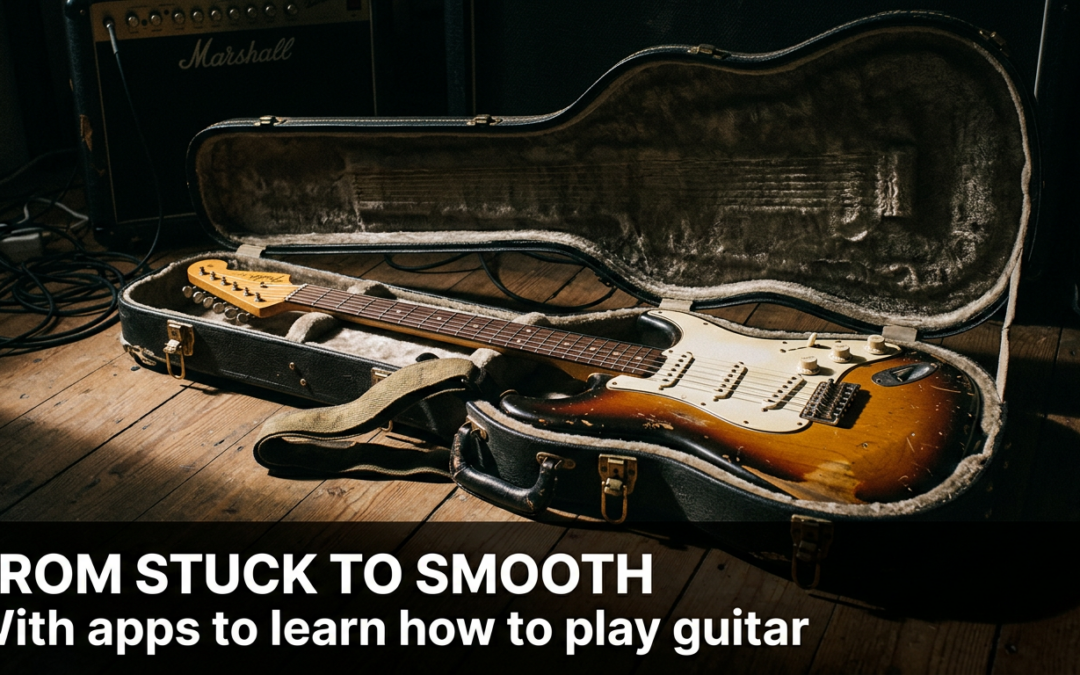

The promise of using apps to learn how to play guitar is incredibly alluring; it feels like having a personal tutor right in your pocket. You’ve pictured yourself confidently strumming chords or weaving through a solo, but the gap between that dream and the reality of sore fingertips can feel a mile wide. The journey often starts with excitement but quickly stalls when progress feels slow and confusing.
So many aspiring guitarists buy a beautiful instrument filled with hope. They imagine playing their favorite songs for friends and family. However, that initial motivation often fades into frustration, leaving the guitar to become more of a decorative object than a musical tool.
You aren’t alone in this. The traditional path is littered with obstacles that cause countless people to quit. But what if the problem isn’t your talent or dedication? What if the method is simply broken?

Why Your Guitar Is Still Collecting Dust
Let’s be honest. You’ve probably tried watching free online videos. You find a tutorial, press pause, attempt the chord shape, and hear nothing but a dead, buzzing sound. You rewind, try again, and the frustration mounts.
This cycle is demoralizing. Without structured feedback, you have no way of knowing if you’re making a mistake in your technique or just need more practice. Moreover, the sheer volume of content is overwhelming. One video tells you to start with scales, another with chords, and a third with a specific song.
As a result, you jump from one lesson to another without a clear path forward. This haphazard approach leads to massive gaps in your understanding. You might learn a chord or two, but you don’t understand how they fit together. Consequently, you can’t create your own music or figure out songs by ear, which is the ultimate goal for many players.
What If You Could See the Fretboard Instead of Just Memorizing It?
Most guitarists spend years guessing where to put their fingers. They memorize shapes without understanding why — and the second they try to improvise or learn a new song, they’re lost again.
The FretDeck Practice Workstation changes that. It’s the interactive fretboard app that shows you exactly what to play, why it works, and how every note connects — so you finally understand the guitar instead of just copying tabs.

Whether you’re stuck in a rut, tired of noodling the same pentatonic box, or ready to unlock the entire neck — the FretDeck Practice Workstation gives you the visual roadmap to get there. All for just $14/month.
👉 Start Using the FretDeck Practice Workstation Now
The Interactive Feedback Loop: How Apps Gamify Progress
The single biggest advantage modern apps to learn how to play guitar have over old-school books or videos is real-time feedback. Your phone’s microphone listens as you play, telling you instantly if you hit the right note or chord. This is a complete game-changer.
Think about it like a video game. When you score points, complete a level, or unlock an achievement, your brain gets a small hit of dopamine. This positive reinforcement makes you want to keep playing. Similarly, these apps use streaks, points, and progress bars to make daily practice addictive in a good way.
Instead of feeling like a chore, practice becomes a challenge you want to conquer. This gamified approach helps build the single most important ingredient for success: consistency. Furthermore, it breaks down complex topics into bite-sized, manageable lessons, preventing the overwhelm that causes so many to give up. These are foundational beginner guitar tips that technology has supercharged.
Finding the Best apps to learn how to play guitar for You
Not all apps are created equal, and the “best” one depends entirely on your learning style. Understanding the main categories is the first step to choosing the right tool for your journey. Some offer a structured, academic path, while others just want to get you playing songs as fast as possible.
Specifically, some learners thrive with the gamified approach. Apps like Yousician or Simply Guitar have you play along with scrolling tablature, scoring you on accuracy and timing. This method is fantastic for building muscle memory and a sense of rhythm. Other players may prefer a more traditional lesson structure. For example, Fender Play offers high-quality video lessons organized into a clear “learning path” based on your preferred genre.
The key is to try a few. Most offer free trials, so you can see which interface and teaching style clicks with you. Do you want to feel like you’re playing a game, or do you want to feel like you’re in a one-on-one lesson with a master instructor? There’s an app for both, and finding your fit is crucial for long-term success with apps to learn how to play guitar.
What If You Could See the Fretboard Instead of Just Memorizing It?
Most guitarists spend years guessing where to put their fingers. They memorize shapes without understanding why — and the second they try to improvise or learn a new song, they’re lost again.
The FretDeck Practice Workstation changes that. It’s the interactive fretboard app that shows you exactly what to play, why it works, and how every note connects — so you finally understand the guitar instead of just copying tabs.
Whether you’re stuck in a rut, tired of noodling the same pentatonic box, or ready to unlock the entire neck — the FretDeck Practice Workstation gives you the visual roadmap to get there. All for just $14/month.
👉 Start Using the FretDeck Practice Workstation Now
Beyond Basic Chords: Unlocking the Fretboard
Learning G, C, and D is a great start, but it’s just the beginning. The real fun begins when you start to understand the why behind the music. This is where more advanced apps to learn how to play guitar can truly accelerate your growth from a campfire strummer to a genuine musician.
Once you have your basic chords down, the next step is understanding musical context. This means diving into music theory, scales, and song structure. While “theory” might sound intimidating, modern apps make it visual and interactive. They help you see how scales connect to chords and how a great chord progression guide can unlock thousands of songs.
Moreover, specialized tools can fill in the gaps left by broader learning apps. An app that teaches you songs is great, but a tool that teaches you the fretboard is even better. For instance, the FretDeck Practice Workstation is designed to help you visualize notes and scales across the entire neck. This is how you break out of playing the same old patterns and start to improvise and create your own melodies with confidence. You stop memorizing shapes and start understanding music.
5 Steps to Maximize Your Guitar App Practice
Simply downloading an app isn’t enough. To get real results, you need a strategy. Follow these steps to turn your screen time into legitimate skill.
1. Schedule Your Sessions. Treat your practice time like an important appointment. Put it on your calendar, even if it’s just for 10-15 minutes a day. A consistent, short practice is far more effective than one long, sporadic session.
2. Focus on One Goal Per Session. Don’t try to master a new chord, a scale, and a song all at once. Today, just focus on making your G chord ring out clearly. Tomorrow, work on transitioning smoothly between G and C. This focused effort builds solid fundamentals.
3. Use Headphones. To get the most accurate feedback from your app, you need it to hear your guitar clearly. Using headphones allows you to hear the lesson and backing tracks while your phone’s microphone focuses solely on your playing. This drastically improves recognition accuracy.
4. Supplement with Real-World Playing. The app is your trainer, but you still need to play the game. Spend some time each week just strumming and trying to play songs you love without the app. This helps you internalize what you’ve learned and build your own creative voice, as noted by experts at Guitar World.
5. Don’t Be Afraid to Use Multiple Tools. One app might be great for learning chords, while another excels at ear training. Using a combination of the best apps to learn how to play guitar can create a well-rounded skillset, ensuring you don’t have any major weak spots in your playing.
FAQ: Your Guitar App Questions Answered
Are apps to learn how to play guitar better than a real teacher?
Apps are an incredibly powerful and affordable tool, especially for beginners. They provide structure and immediate feedback that is hard to beat. However, a great human teacher can spot subtle technique flaws—like thumb position or posture—that an app might miss. Many players find the best approach is a hybrid: using an app for daily practice and checking in with a teacher occasionally for personalized feedback.
How quickly can I learn to play a song?
With a dedicated app and consistent practice (15-20 minutes daily), most beginners can play a simple, 3-4 chord song within a few weeks. The key is consistency. The apps are designed to guide you through the process step-by-step, from learning individual chords to switching between them smoothly and finally applying them to a real song. Your progress is directly tied to your daily commitment.
Can I use these apps for both acoustic and electric guitar?
Absolutely. Most of the top-rated apps work equally well for both acoustic and electric guitars. The fundamental skills—chords, scales, timing—are universal. In fact, many apps, like those featured on Guitar Player, allow you to specify your instrument and will tailor the lessons and tones accordingly, ensuring you have an authentic and motivating learning experience no matter what you play. Getting a proper electric guitar setup will help the app recognize your notes even better.
What If You Could See the Fretboard Instead of Just Memorizing It?
Most guitarists spend years guessing where to put their fingers. They memorize shapes without understanding why — and the second they try to improvise or learn a new song, they’re lost again.
The FretDeck Practice Workstation changes that. It’s the interactive fretboard app that shows you exactly what to play, why it works, and how every note connects — so you finally understand the guitar instead of just copying tabs.
Whether you’re stuck in a rut, tired of noodling the same pentatonic box, or ready to unlock the entire neck — the FretDeck Practice Workstation gives you the visual roadmap to get there. All for just $14/month.
👉 Start Using the FretDeck Practice Workstation Now
Related posts:








