


Have you ever downloaded a folder full of free guitar chord charts, convinced this was the day your playing would finally click? You spend hours searching for the “ultimate” chart, the one with every single chord shape imaginable, only to find yourself back at square one a week later, still struggling to change between G and C smoothly.
It’s a frustrating cycle. On one hand, you know the chords are the building blocks of every song you love. On the other hand, the static dots and lines on these charts feel completely disconnected from the fluid, musical sound you hear in your head.
You’re not alone. Countless guitarists believe that simply owning the information is the same as knowing how to use it. They stack up charts like trophies, but their playing remains stuck in the same familiar patterns.
Why Your Stack of Charts Is Actually Holding You Back
The real problem isn’t a lack of information. In fact, a quick search for free guitar chord charts will give you millions of results in seconds. The problem is that these charts present chords as isolated, static shapes without any context.
For example, a chart shows you a C Major chord. Then it shows you a G Major chord. But it offers zero guidance on the physical, mechanical, and musical bridge between the two. As a result, you memorize the destination without ever learning the journey.
This leads to several common frustrations:
- Hesitant, choppy changes: Your fingers get tangled because you’re thinking about the next “shape” instead of an efficient path.
- “Forgetting” chords: You can play a chord perfectly one minute, but it vanishes from your memory the second you try to use it in a song.
- The “box” trap: You only know one way to play each chord, leaving the rest of the fretboard a complete mystery.
Ultimately, you feel like you’re collecting ingredients for a recipe you’ll never cook. The raw data is there, but the real magic—the music—is missing.
What If You Could See the Fretboard Instead of Just Memorizing It?
Most guitarists spend years guessing where to put their fingers. They memorize shapes without understanding why — and the second they try to improvise or learn a new song, they’re lost again.

The FretDeck Practice Workstation changes that. It’s the interactive fretboard app that shows you exactly what to play, why it works, and how every note connects — so you finally understand the guitar instead of just copying tabs.
Whether you’re stuck in a rut, tired of noodling the same pentatonic box, or ready to unlock the entire neck — the FretDeck Practice Workstation gives you the visual roadmap to get there. All for just $14/month.
👉 Start Using the FretDeck Practice Workstation Now
The “Chord-in-Context” Shortcut
Here’s the weird shortcut pros use that seems to defy logic: they don’t think in terms of individual chords. Instead, they think in terms of chord relationships. They don’t just see a G chord; they see how that G relates to the C, D, and Em that are likely to follow it.
This is the “Chord-in-Context” method. Rather than memorizing a dictionary of shapes, you learn small groups of chords that sound great together. This immediately makes your practice more musical and practical.
Specifically, you begin by focusing on the “family chords” within a specific key. For instance, in the key of G Major, the most common chords are G, C, D, and Em. Instead of practicing an A#dim7 you found on a random chart, you spend your time mastering the transitions between just those four chords.
As a result, your brain starts building a map. It recognizes that in this “G-world,” your index finger on the C chord is just one string away from where it needs to be for the G chord. Your muscle memory encodes the movement, not just the static shape. For excellent examples of common chord families, Guitar World often publishes lessons on essential progressions.
This simple shift is profound. It transforms your practice from academic memorization into applied musical training. You’re not just learning chords; you’re learning songs before they’re even written.

How to Actually Use Your free guitar chord charts
So, how do you put this into practice? You can still use those free guitar chord charts, but you’ll use them differently. You’ll use them as a starting point, not a final destination.
First, identify a key you want to work on. Let’s stick with G Major. Pull up your chart and find the shapes for G, C, D, and Em. Now, ignore everything else on the page. These four shapes are your world for the next practice session. The goal here is fluidity, not vocabulary.
Next, you need to turn these static diagrams into connected movements. Don’t just strum G, lift your hand completely, then form the C shape. That’s the slow, inefficient way. Instead, look for “anchor points” or “pivot fingers.”
For example, when switching from G to C, you might notice your ring finger can stay on the same fret and just move from the low E string to the A string. This single observation cuts your mental workload in half. You’re no longer moving three fingers; you’re moving two and pivoting one. This is one of the most powerful beginner guitar tips you can ever learn.
Moreover, practice these changes with a purpose. Don’t just go G-C-G-C. Practice them in a common sequence, like G-Em-C-D. Suddenly, you’re not just practicing chords; you’re playing the harmonic foundation of thousands of pop, rock, and country songs.
What If You Could See the Fretboard Instead of Just Memorizing It?
Most guitarists spend years guessing where to put their fingers. They memorize shapes without understanding why — and the second they try to improvise or learn a new song, they’re lost again.
The FretDeck Practice Workstation changes that. It’s the interactive fretboard app that shows you exactly what to play, why it works, and how every note connects — so you finally understand the guitar instead of just copying tabs.
Whether you’re stuck in a rut, tired of noodling the same pentatonic box, or ready to unlock the entire neck — the FretDeck Practice Workstation gives you the visual roadmap to get there. All for just $14/month.
👉 Start Using the FretDeck Practice Workstation Now
Beyond the Basics: Making Charts Your Own
Once you’ve mastered the basic chord families in open position, the real fun begins. A chord chart shouldn’t be a prison that keeps you locked at the nut of the guitar. It should be a map that shows you where else you can go.
This is where understanding a little music theory multiplies your abilities. A C Major chord is made of three notes: C, E, and G. The basic shape you learned is just one way to combine those notes. There are dozens of other ways all over the fretboard.
You don’t need to become a theory expert overnight. Start by learning where those three notes (C, E, G) are on each string. A tool like the FretDeck Practice Workstation is invaluable here, as it can instantly light up all instances of a note or chord across the entire neck.
Gradually, you’ll start to see the fretboard not as a collection of random frets, but as a grid of possibilities. You’ll realize that the C chord you play at the first fret shares notes with a C chord shape you can play at the 8th fret. Armed with this knowledge, you can begin to navigate the neck with confidence, using your foundational chord progression guide as a launchpad.
This is the true power of music education. It’s not about memorizing more things; it’s about understanding the underlying system so you can create your own solutions. Even major manufacturers like Fender provide resources to help players connect theory with practice.
Actionable Steps to Master Your Charts
To transform your approach today, commit to a new practice methodology. Forget collecting and start connecting with this simple routine.
1. Pick One Key: Choose a key for the week (e.g., G Major). Identify the 3-4 most important chords (G, C, D, Em). This is your entire focus.
2. Find Common Fingers: Lay out the diagrams for two chords side-by-side (e.g., G and C). Analyze them. Find the most efficient path for your fingers to travel between them. Is there a finger you don’t have to lift at all?
3. Practice in Quadruplets: Set a slow metronome (60 BPM). Strum one chord four times, then switch to the next chord and strum it four times. The goal is a clean change on beat one of the new measure. This builds the foundation of a solid best practice routine.
4. Create a Mini-Progression: Use your focus chords to create a simple, 4-chord loop (e.g., G-Em-C-D). Play it over and over. This feels much more like playing music than drilling random shapes.
5. Look Up One New Voicing: At the end of the week, look up just one new way to play one of your focus chords further up the neck. Learn it, and see how it connects back to the open-position shape you already know. This is how you expand your map of the fretboard.
Frequently Asked Questions
What’s the best free guitar chord chart for beginners?
The best chart is one that is clean, simple, and focuses on the most essential open chords (like G, C, D, E, A, Em, Am, Dm). Avoid “ultimate” charts with hundreds of obscure chords. You need a clear starting point, not a confusing encyclopedia. Your goal is to make music, not to win a trivia contest on chord naming.
How many chords should I learn at once?
You should focus on learning chords in small, related groups of 3-4. This “chord family” approach, based on a single musical key, is far more effective than trying to memorize a list of unrelated free guitar chord charts. Master the transitions between these few chords before moving on.
Are chord apps better than paper charts?
Interactive apps can be much more powerful. While paper charts are static, apps can show you fingerings, play the chord for you, and display different voicings across the neck. An app like the FretDeck Practice Workstation goes a step further by visualizing the notes and theory behind the shapes, helping you understand the “why” and not just the “what.”
What If You Could See the Fretboard Instead of Just Memorizing It?
Most guitarists spend years guessing where to put their fingers. They memorize shapes without understanding why — and the second they try to improvise or learn a new song, they’re lost again.
The FretDeck Practice Workstation changes that. It’s the interactive fretboard app that shows you exactly what to play, why it works, and how every note connects — so you finally understand the guitar instead of just copying tabs.
Whether you’re stuck in a rut, tired of noodling the same pentatonic box, or ready to unlock the entire neck — the FretDeck Practice Workstation gives you the visual roadmap to get there. All for just $14/month.
👉 Start Using the FretDeck Practice Workstation Now
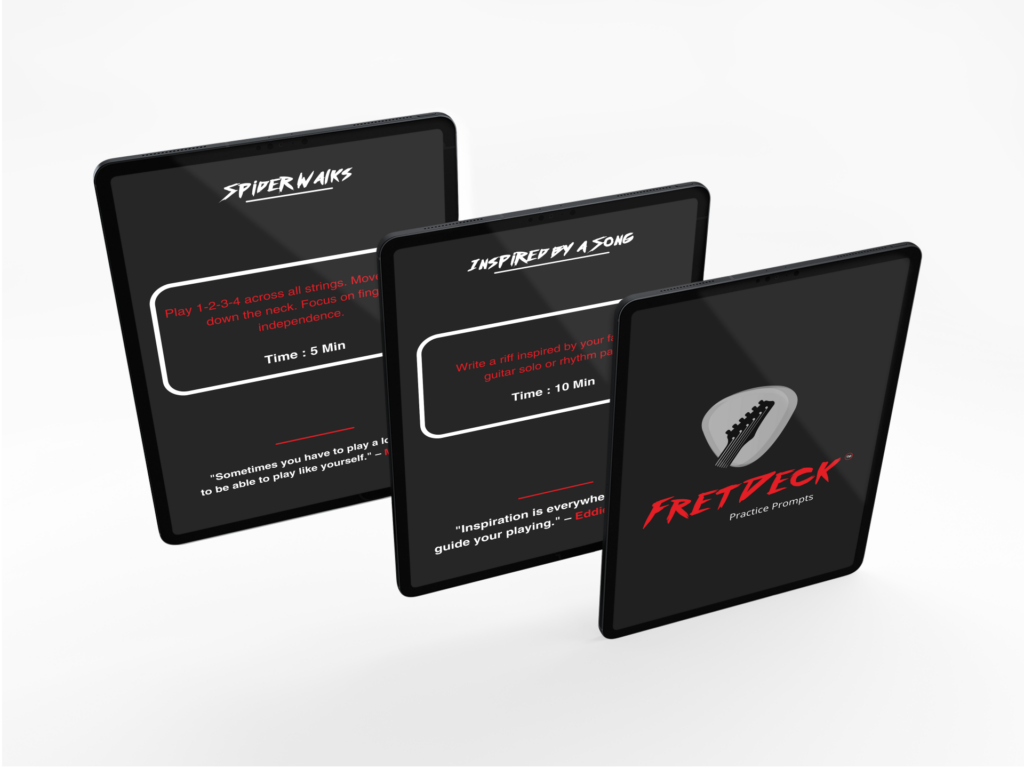
The Simple Guitar Practice System That Eliminates Guesswork
So You Can Stop Stalling… and Start Sounding Better Every Time You Pick Up the Guitar
👉 Get 52 Practice Prompts Now!
Related posts:








